
Indicate changelog
Meet the new Indicate
100+ New Features Released
This is a big one. We rebuilt large parts of Indicate and added sooo many new features that we made a whole video to walk you through it. We are genuinely happy with how it turned out, and we cannot wait for you to try it.
There is far too much to fit into a single changelog, so we will introduce the new features one changelog at a time. We start here, with one of the features we are most excited about.
👉 Here is the video with all new functionalities 📹 VIDEO RELEASE UPDATE (German only)
Chat with your Data: Ask Questions, Get Answers
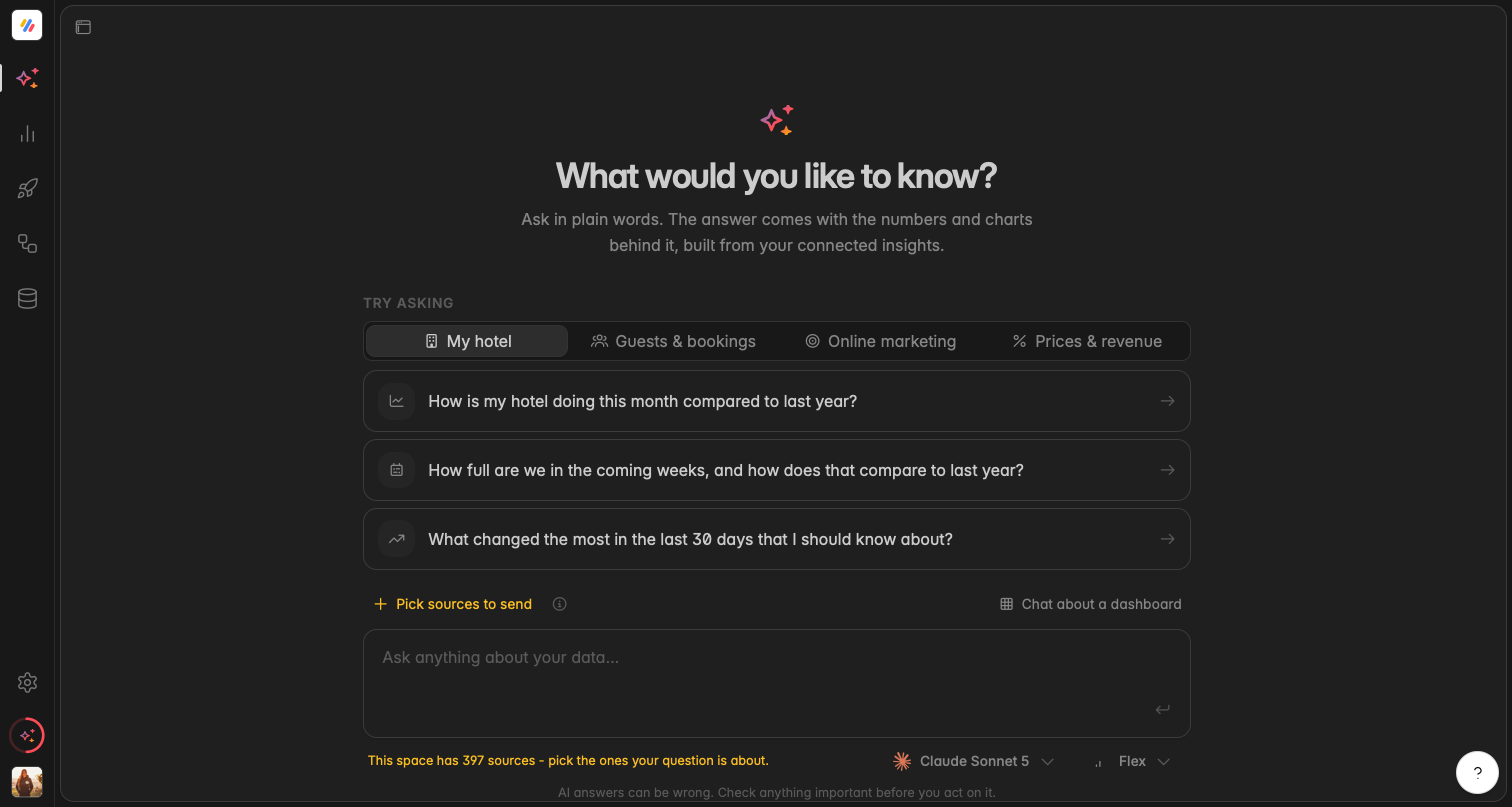
You can now chat directly with your data in Indicate. Until now, AI helped you build dashboards and write summaries. Now you can go further and simply ask.
Type a question in plain language and get an answer straight from your own data, without building a widget or a dashboard first. It is the fastest way to check a number, explore a trend, or follow up on something you just saw.
Ask questions in everyday language.
Get answers grounded in your connected data.
Follow up in the same conversation to dig deeper.
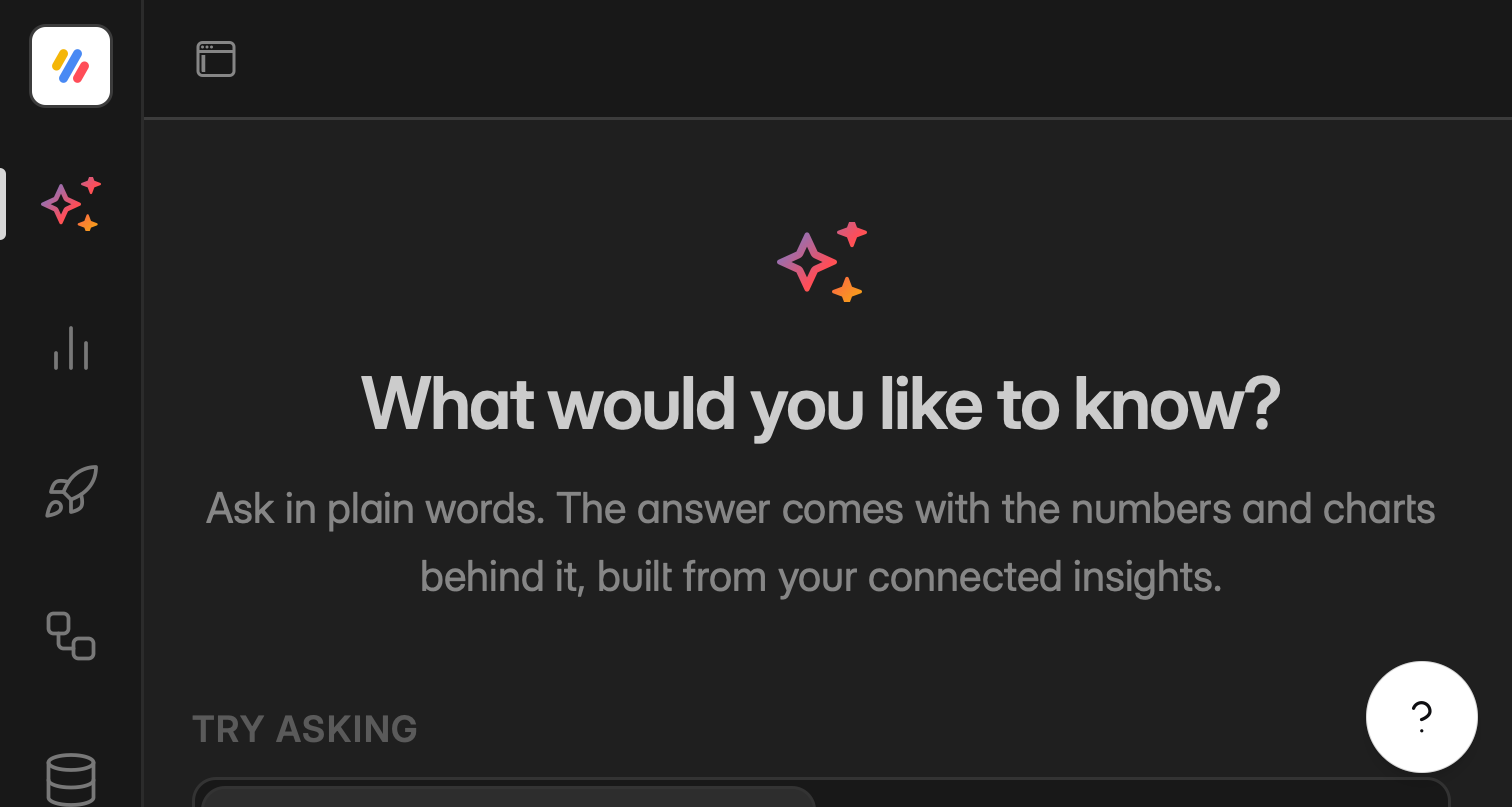
👉 You can find the chat in the left menu right at the top.
AI Usage
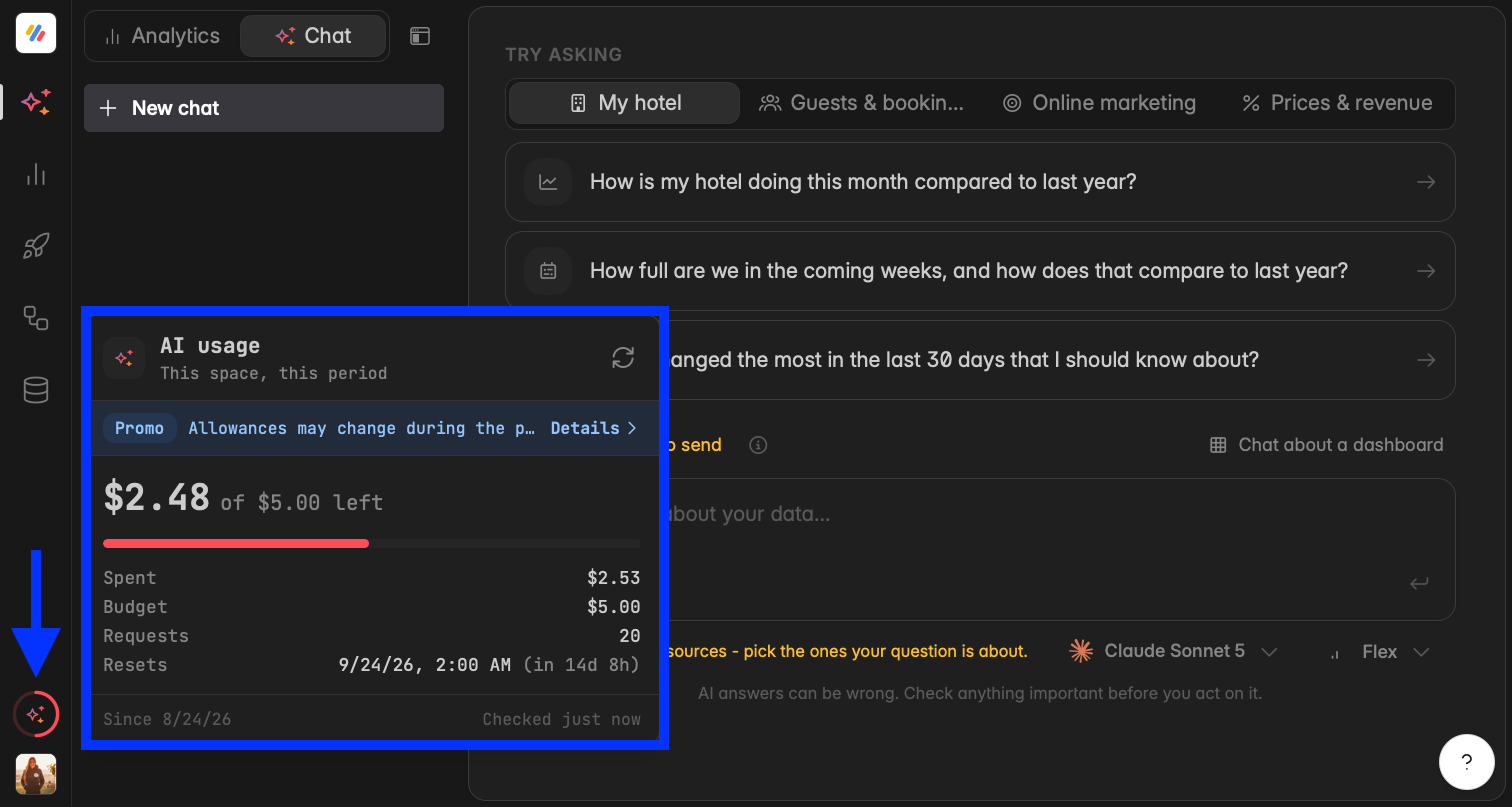
While the promotion runs, every space on Core plans and above gets a free AI allowance of $5 per 30 days so that you can try the new AI features. Any single person can use up to $10 of AI per 30 days across all their spaces.
Review your AI usage by clicking the icon above your profile picture. You can also check your usage in Settings → Billing → AI usage.
👉 Find more information here.
AI Models
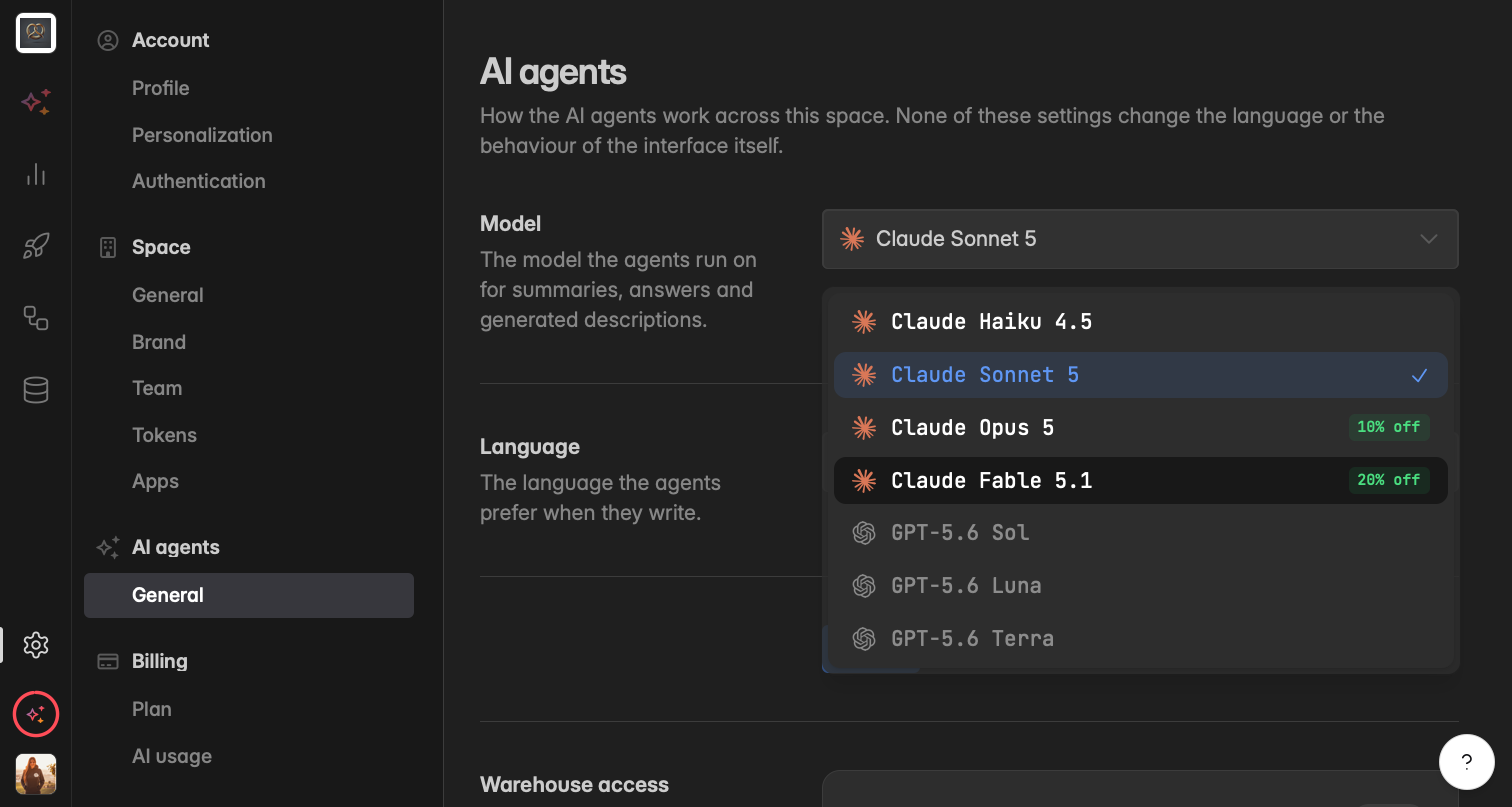
Choose which AI model handles each prompt, and see which model produced what. You control the trade-off between speed and depth on every request, whether you are chatting with your data, generating a dashboard, changing a widget, or writing a summary.