
Indicate changelog
Add Members to Many Spaces at Once
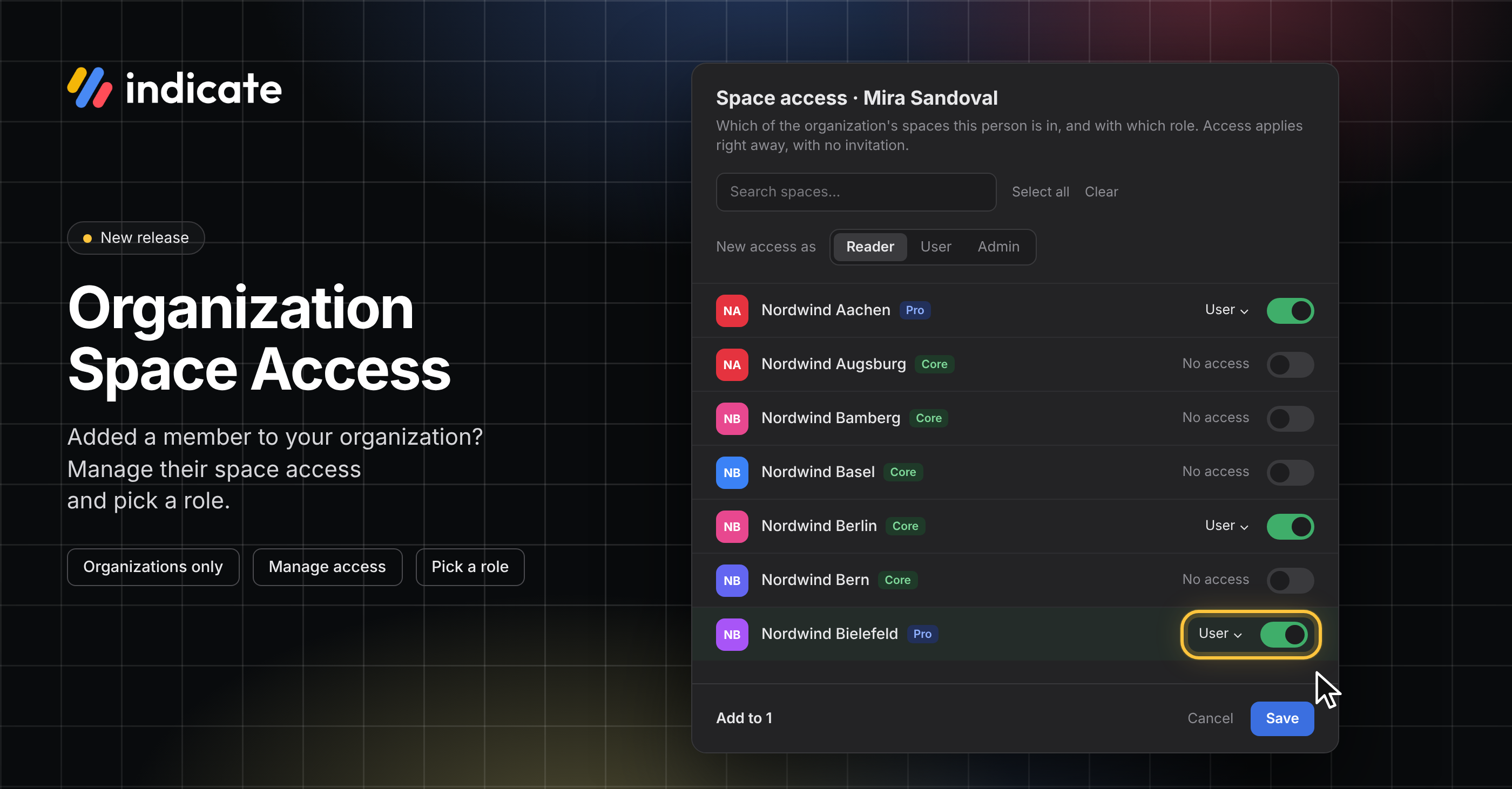
Organization Space Access: Add Members to Many Spaces at Once
Managing space access is a new feature for organizations in Indicate. An organization can be an agency, a hotel chain, or anyone who works with several spaces. Once someone is a member of your organization, as a space Admin, you can manage their role and their access to all of your organization's spaces from one dialog. There is no invitation and no accept step: the person has access to the spaces as soon as you save.
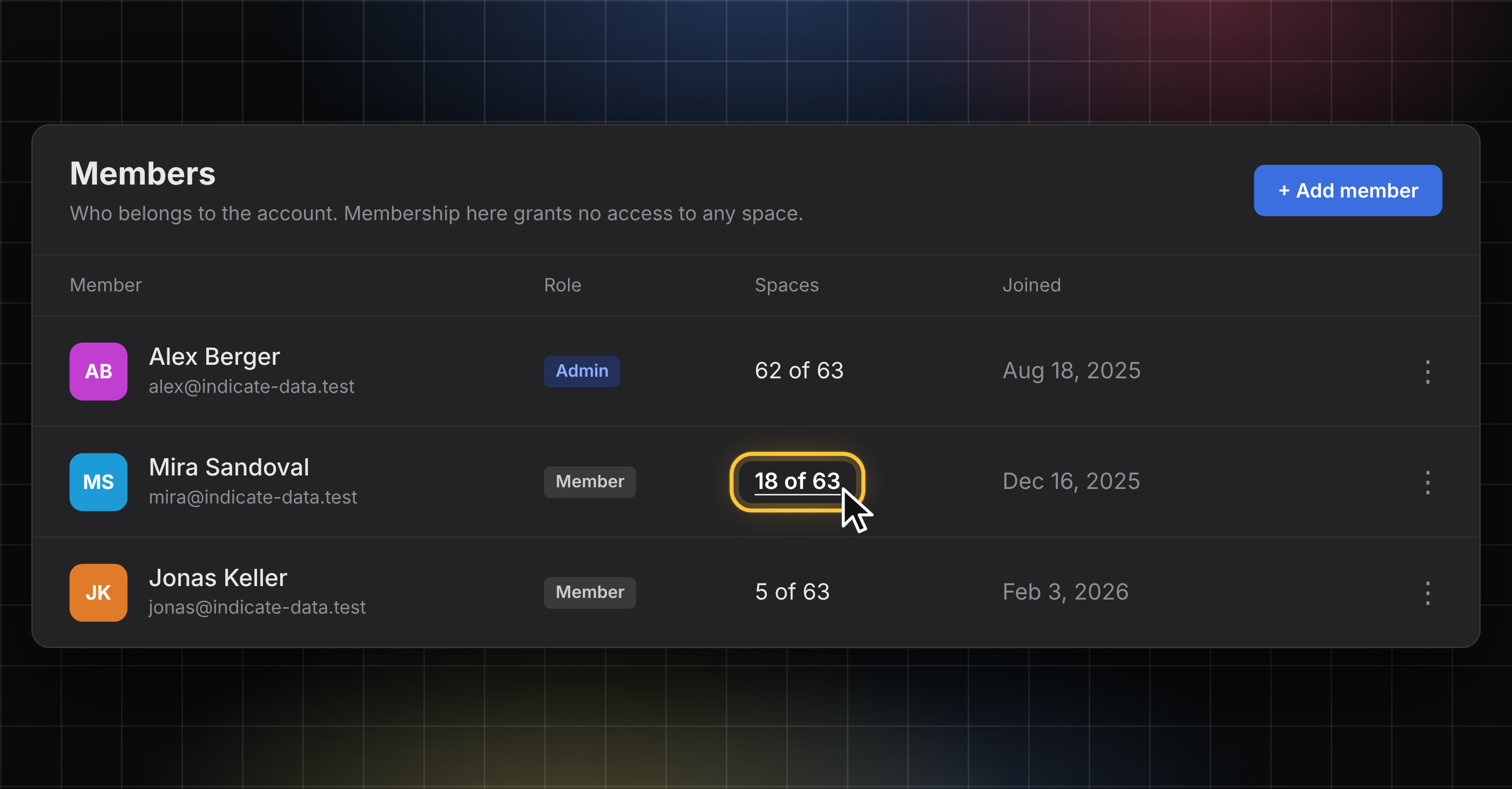
See how many spaces a member is in
The new Spaces column shows how many of your organization's spaces each member is in, for example, "18 of 63". Click the count to see the spaces the member is part of.
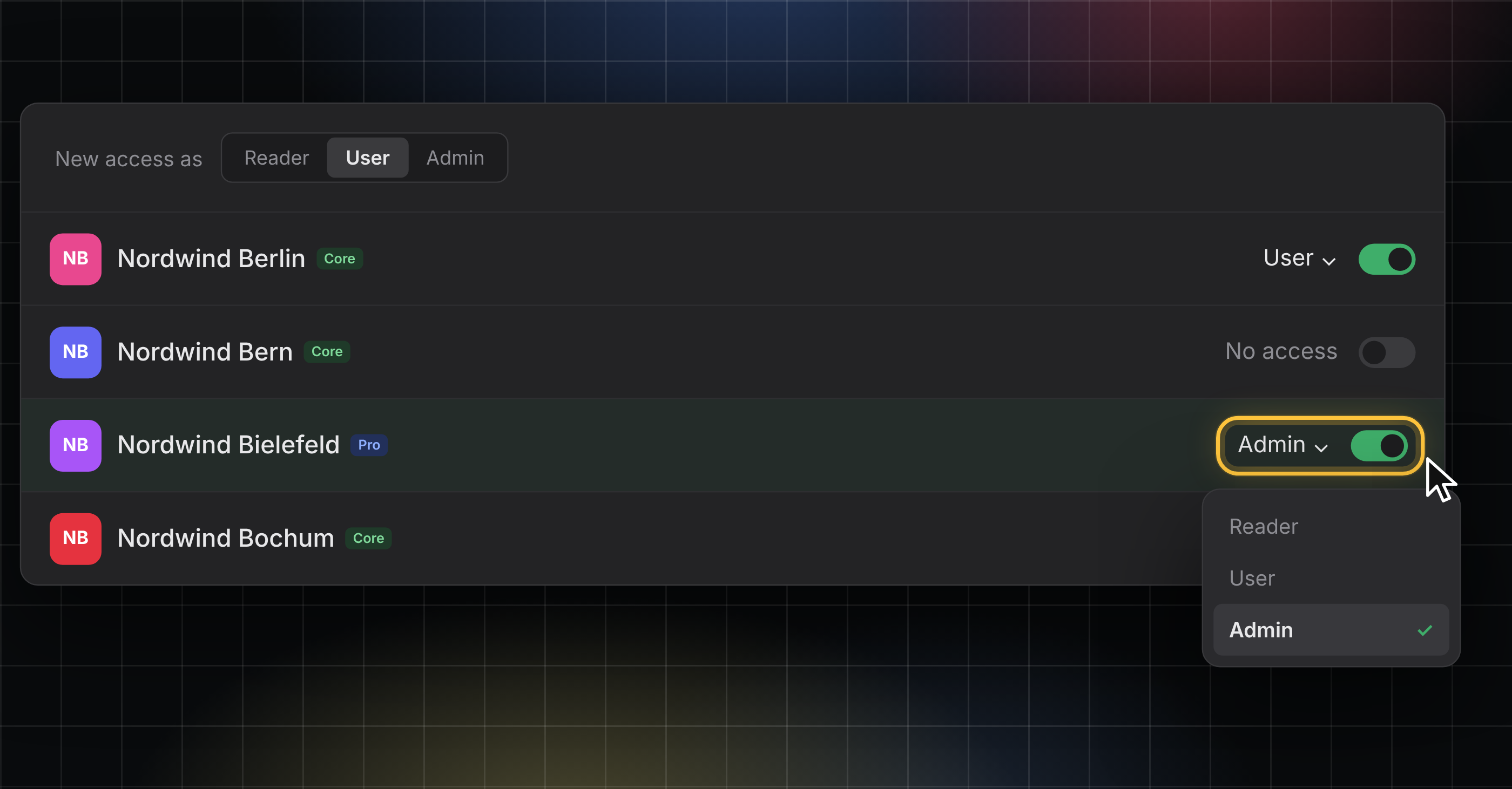
Add or remove access to spaces and change member roles
Click the count, or click the three dots menu at the end of a member's row and choose Manage space access, to open the dialog.
Switch spaces on or off with the toggle and pick a role per space: Reader, User, or Admin. Change the role later or remove access to a space in the same dialog.
Every save asks for a code from your authenticator app, so two-factor authentication must be turned on to keep your account secure.
👉 You can find this in Settings → Organization → Members. Only organization admins can change space access. Find more information here.
Stay in the Loop
We're building Indicate with you, and there's always more on the way. Take a look at our changelog anytime and join us on LinkedIn to be the first to hear what's new.
Questions, ideas, or feedback? We'd love to hear from you, so just get in touch.
The Indicate Team