
Indicate changelog
We're improving account security
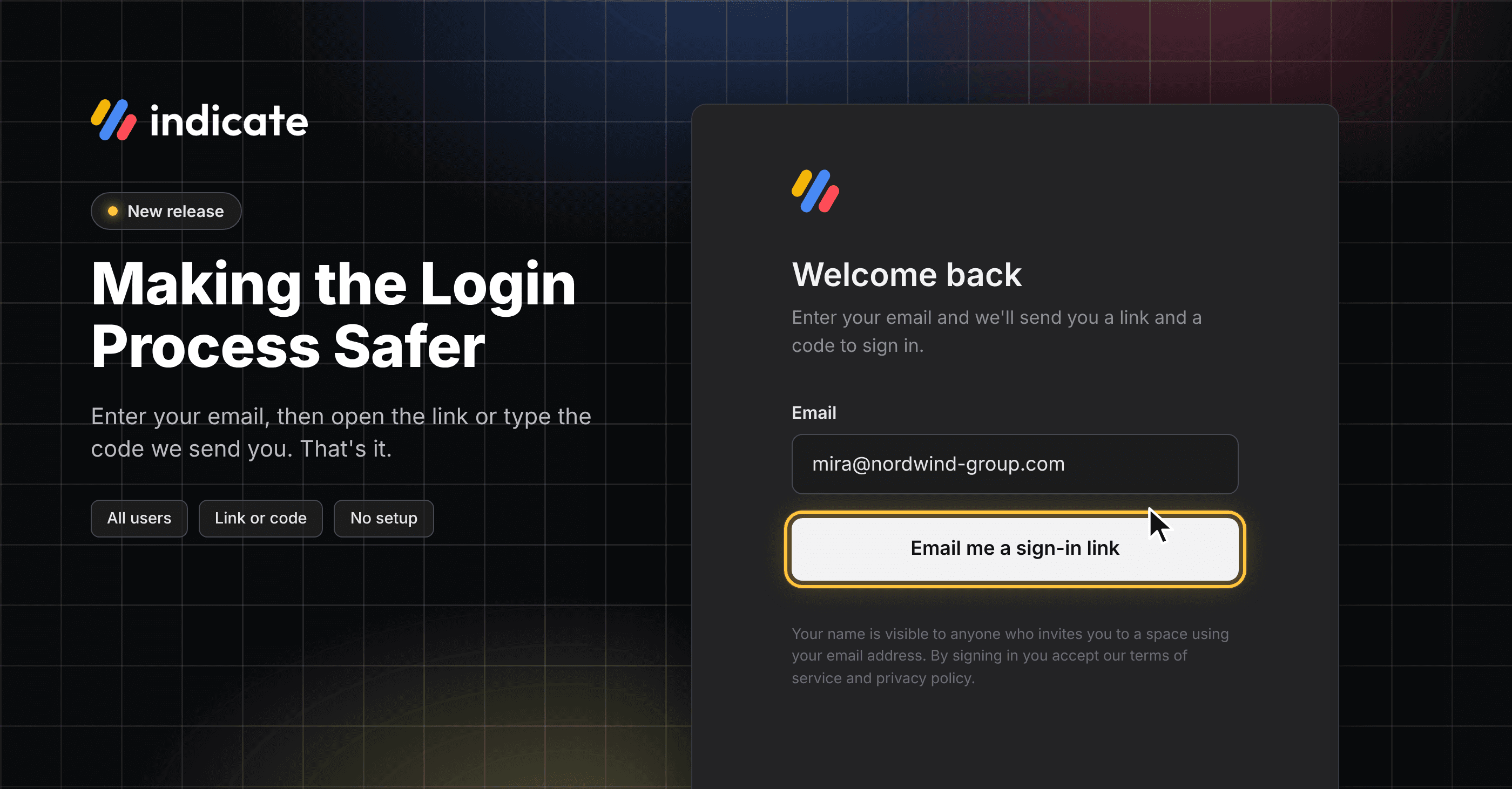
At Indicate, protecting your data is our top priority. To make your account even more secure, we've changed how you sign in to Indicate: passwords are gone.
Why We're Doing This
People like to reuse passwords. At the same time, AI makes it ever easier for attackers to crack or reset passwords and gain unauthorized access to systems. When a password from another site leaks, someone can try it on Indicate too. A stolen password shouldn't be a free pass into your account.
What's Changing
This change is already live. When you sign in, enter your email and you'll receive a code and a link to sign in to Indicate.
If you use two-factor authentication, you enter your authenticator code after the link or code from the email.
👉 You don't need to change anything. The sign-in page guides you through the new process:
enter your email,
check your inbox,
click the link, and you're in.
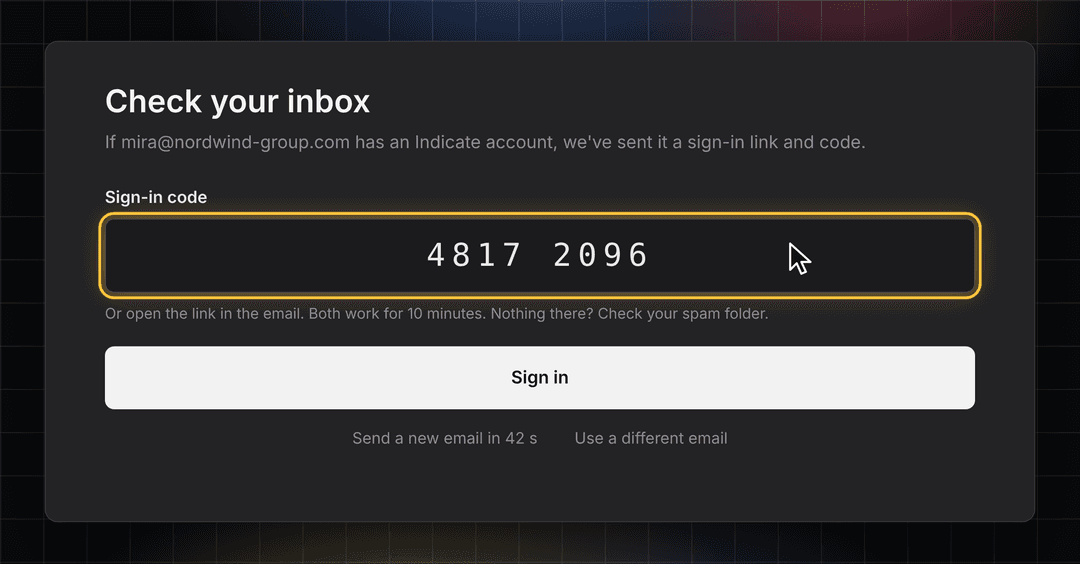
How It Works: Sign In With Your Email
Nothing to set up: every existing account has switched over, and your old password no longer works.
Link or code, your choice: open the link on your laptop, or copy and paste the code from the email.
Safe by design: each link and code works once, for 10 minutes. Only the newest email counts.
One click less: open the link in the browser where you asked for it, and you're signed in straight away.
Two-factor authentication stays: if you use it (which we recommend), you still confirm with your authenticator app after the link or code.
👉 You'll see this the next time you sign in at app.indicate-data.com. Find more information here.
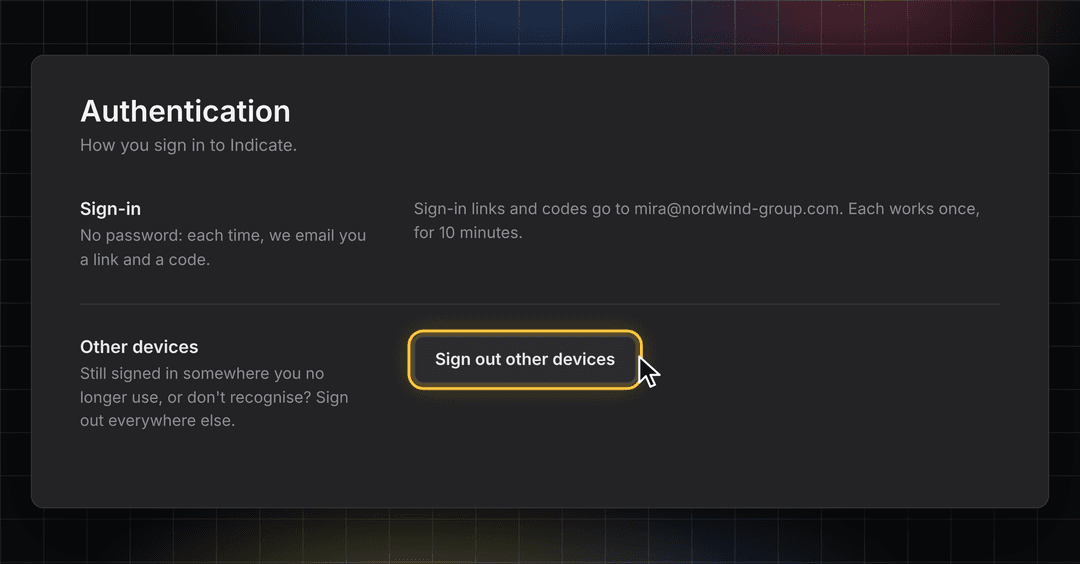
Other Devices: Sign Out Everywhere Else
Still signed in on a front desk PC you no longer use? Sign out of every other device with one click. The device you're using stays signed in.
👉 You can find this in Settings → Account → Authentication. Find more information here.
Stay in the Loop
We're building Indicate with you, and there's always more on the way. Take a look at our changelog anytime and join us on LinkedIn to be the first to hear what's new.
Questions, ideas, or feedback? We'd love to hear from you, so just get in touch.
The Indicate Team