
↵Open
Indicate changelog
Passkeys, Google Business Profile and TikTok
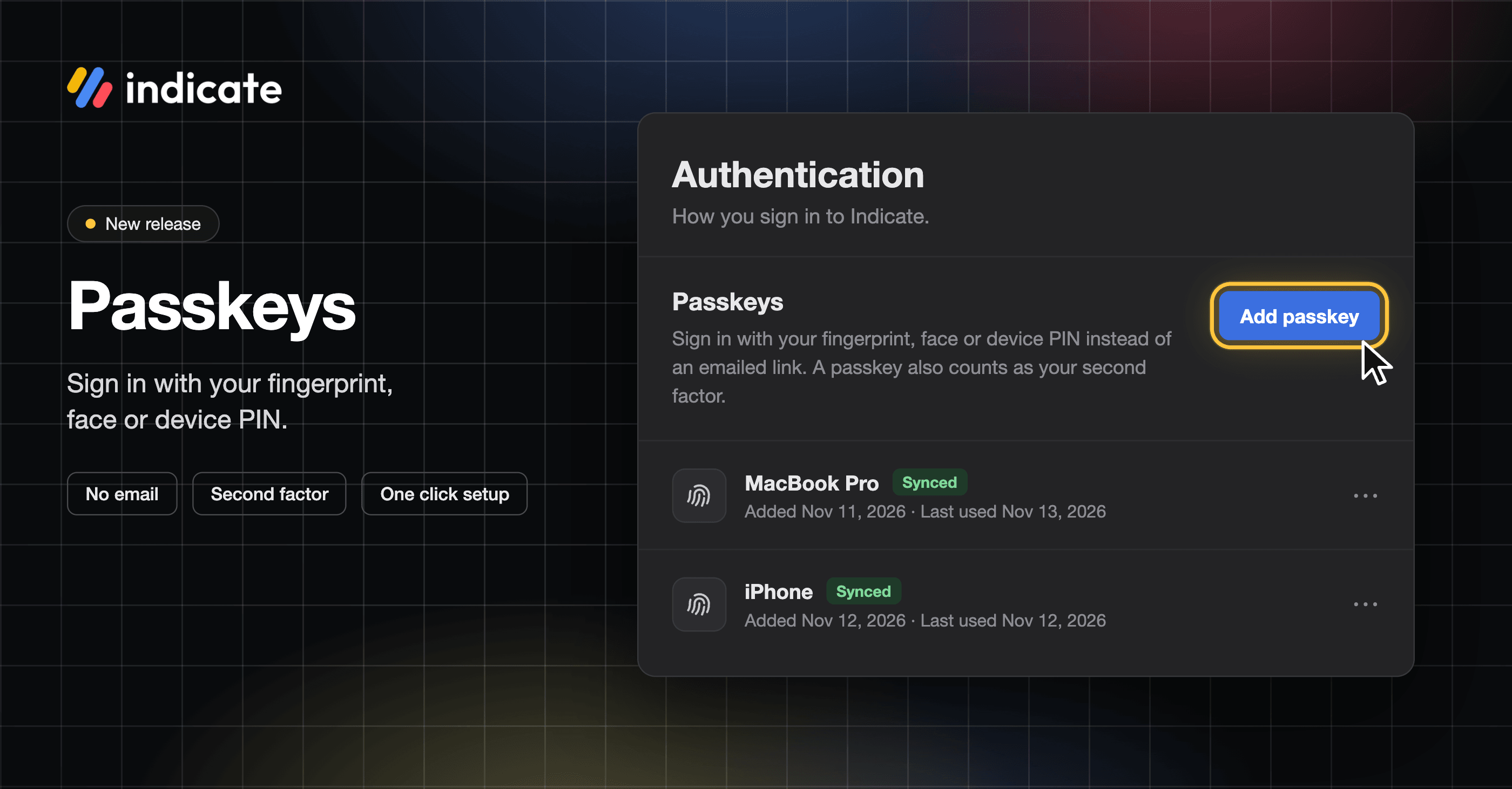
Sign In With Passkeys
At Indicate, protecting your data is our top priority. Last week, we replaced passwords with sign-in links and email codes. This week we’re adding passkeys: sign in with your fingerprint, face, or device PIN. A passkey lives on your phone, your computer or in your password manager.
Once your passkey is set up, click Sign in with a passkey instead on the sign-in page.
Rename or remove passkeys anytime. In your settings, each passkey shows when you added it and when you last used it.
Two-factor sign-in with an authenticator app has been around for a long time, and it keeps working alongside your passkey.
👉 We recommend setting up a passkey today. It only takes a few seconds. Learn more about how to set up Passkeys here.
👉 You can find this in Settings → Account → Authentication under Passkeys. Find more information here.
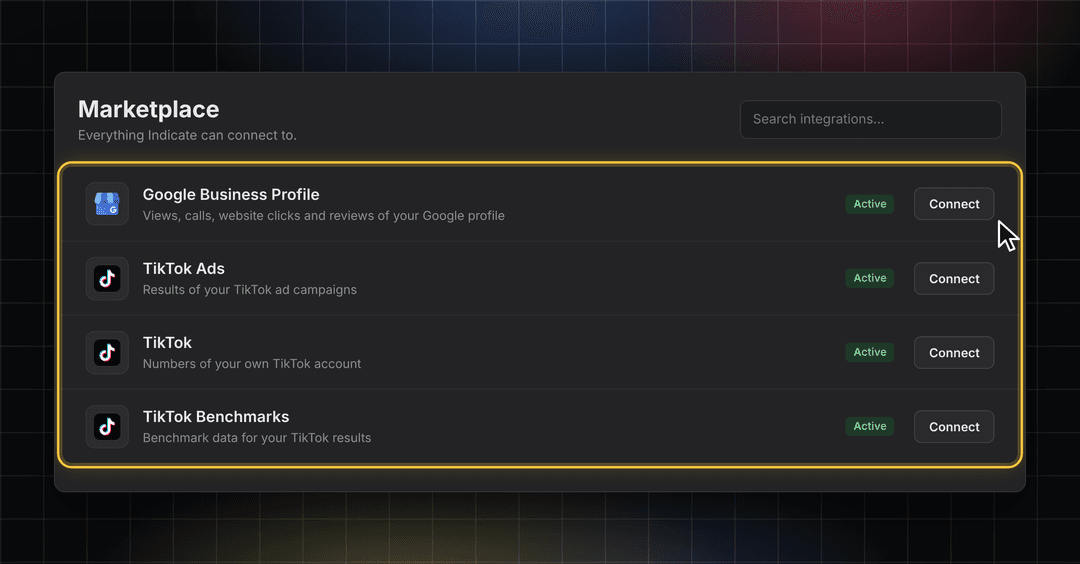
New Data Sources: Google Business Profile and TikTok
Bring four new data sources into your analyses. Google Business Profile shows how guests find your hotel in Google Search and Google Maps, and three TikTok sources cover your ads, your account and benchmarks.
👉 You can find this in Data sources → Marketplace. Find more information here.
Stay in the Loop
We're building Indicate with you, and there's always more on the way. Take a look at our changelog anytime and join us on LinkedIn to be the first to hear what's new.
Questions, ideas, or feedback? We'd love to hear from you, so just get in touch.
The Indicate Team