
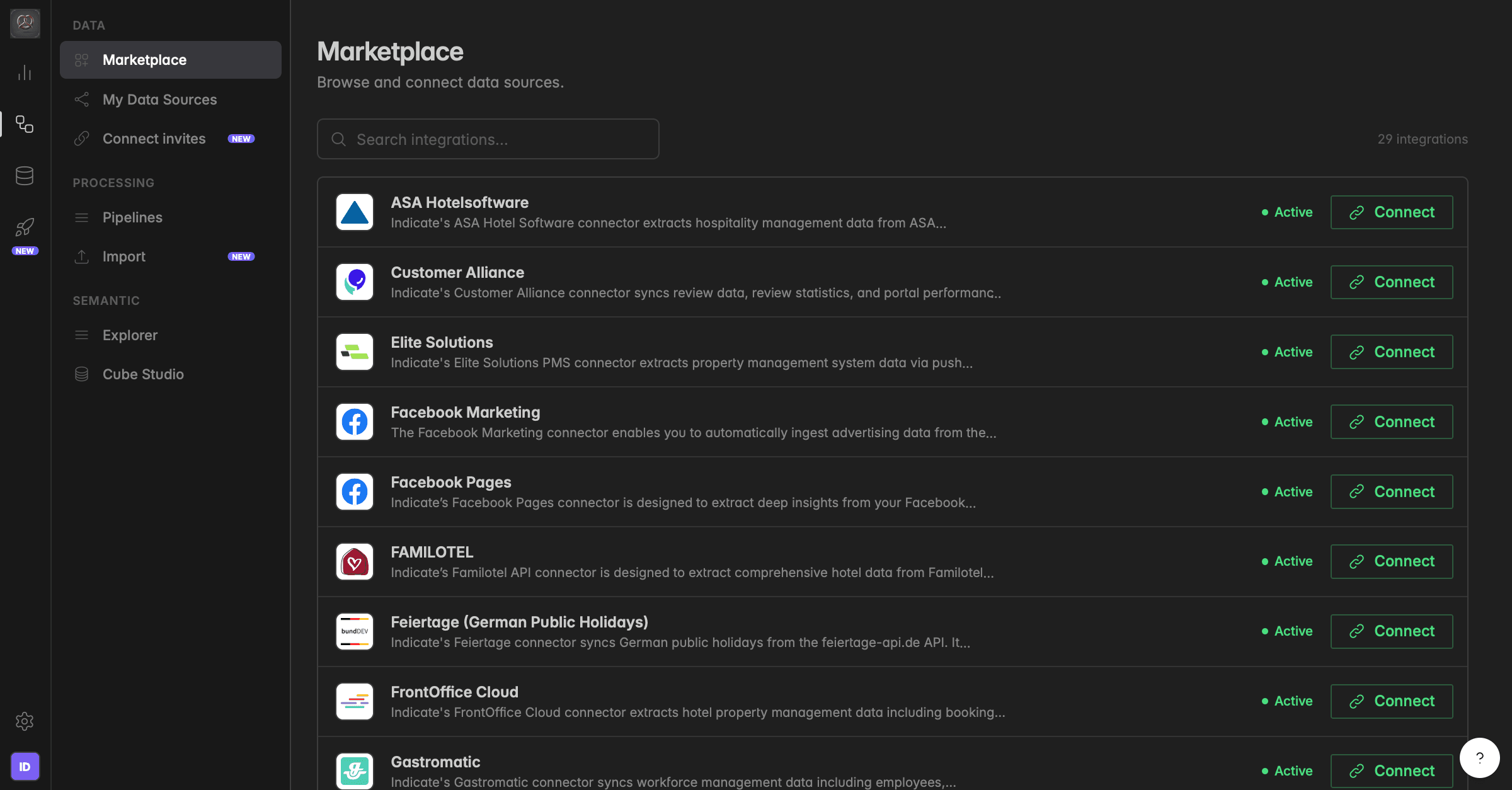
What is the Marketplace?
The Marketplace is the catalog of every system Indicate can connect to: Property management systems, booking engines, ad platforms, web analytics, shops, and a CSV upload for everything else. It lists what can be connected. What you have connected lives one page further down, under Connections.
Every integration in the Marketplace comes with a Catalog: The KPIs and dimensions Indicate delivers for it. You can read that catalog before you connect anything, so you know which numbers you will get.
Where do I find the Marketplace?
Click the database icon in the left rail to open Data sources. The Marketplace is the first entry under Sources.
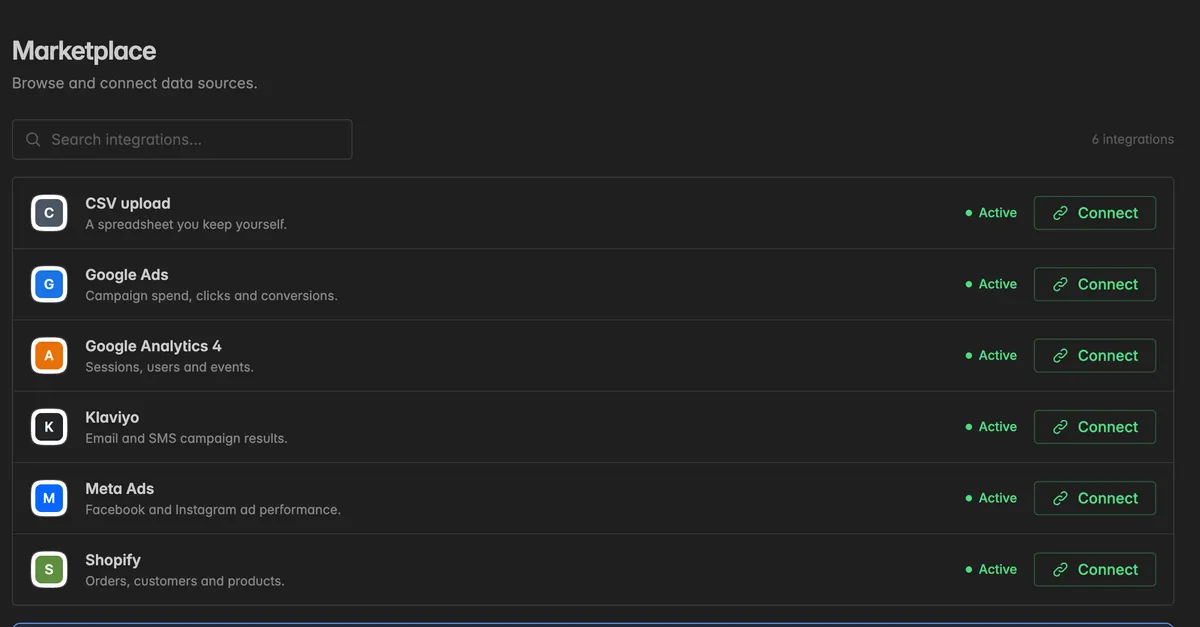
Each row shows the integration, a one-line description, its status, and a Connect button. Type into Search integrations… to find one by name. The count at the top right tells you how many integrations the catalog holds. The different status mean:
Active: The integration takes new connections.
Beta: The integration works but is still being refined.
A deprecated integration shows no Connect button. Its tooltip reads This integration is retired and takes no new connections.
Note: Connecting needs the Admin role. Other roles can browse the catalog, but the Connect button shows the tooltip Not enough rights to do this.
What do I see when I open an integration?
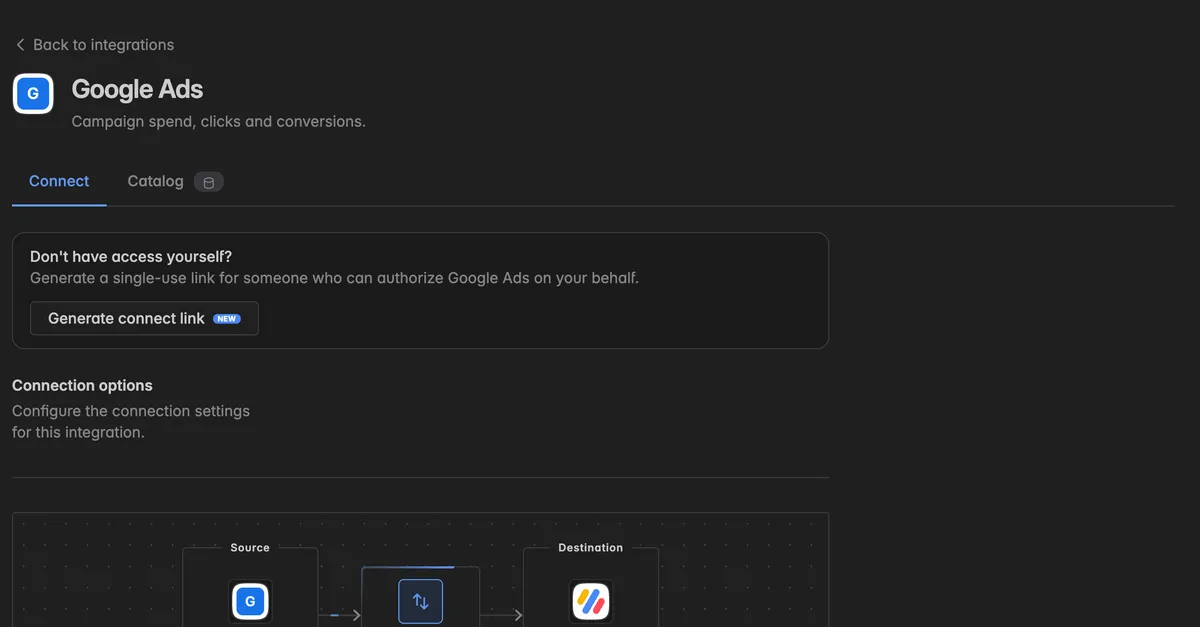
Click Connect on a row to open the integration. The page has two tabs.
Connect
The form to set up a new connection: The Connection options the integration needs, a diagram of the flow from Source to Destination, and the button Check and connect. Above it, Generate connect link lets someone outside your space authorize the integration on your behalf. Both are explained in Add a data source .
Catalog
The KPI collection behind the integration, with every KPI and dimension it delivers. Read it before you connect to see whether the numbers you need are there.
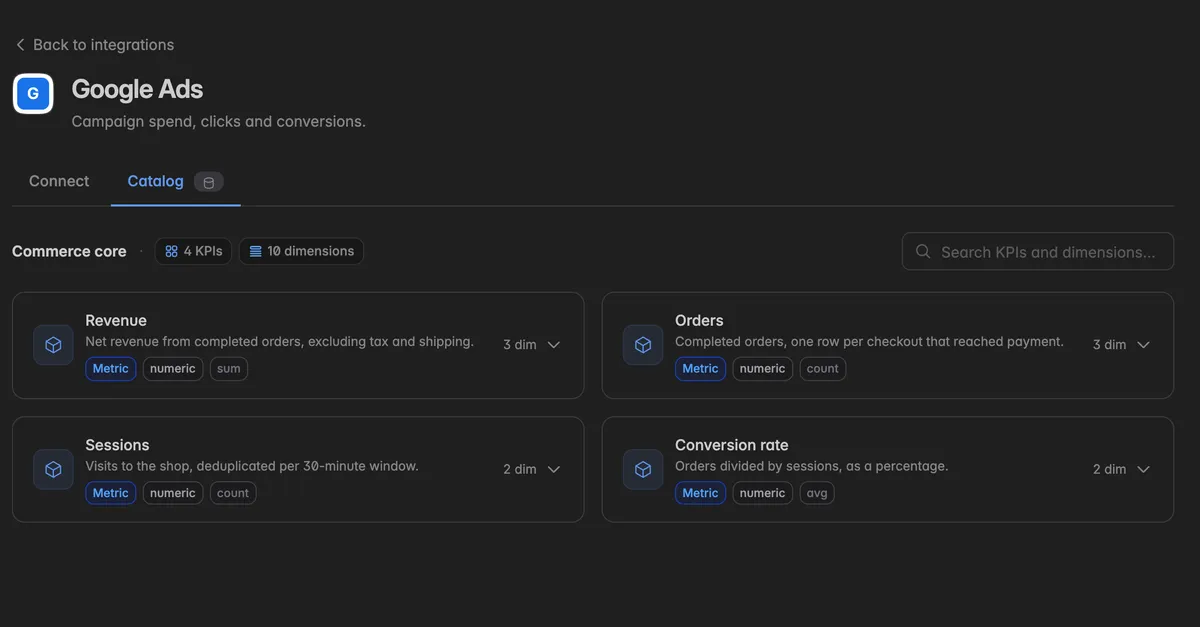
The header names the collection and counts its KPIs and dimensions.
Each KPI card shows the name, a description, and how many dimensions it can be split by.
Click a card to expand it. The dimensions are listed with their scope, Grouping for a dimension you can split the KPI by and Perspective for a date that decides the period, and their type, Categorical or Temporal.
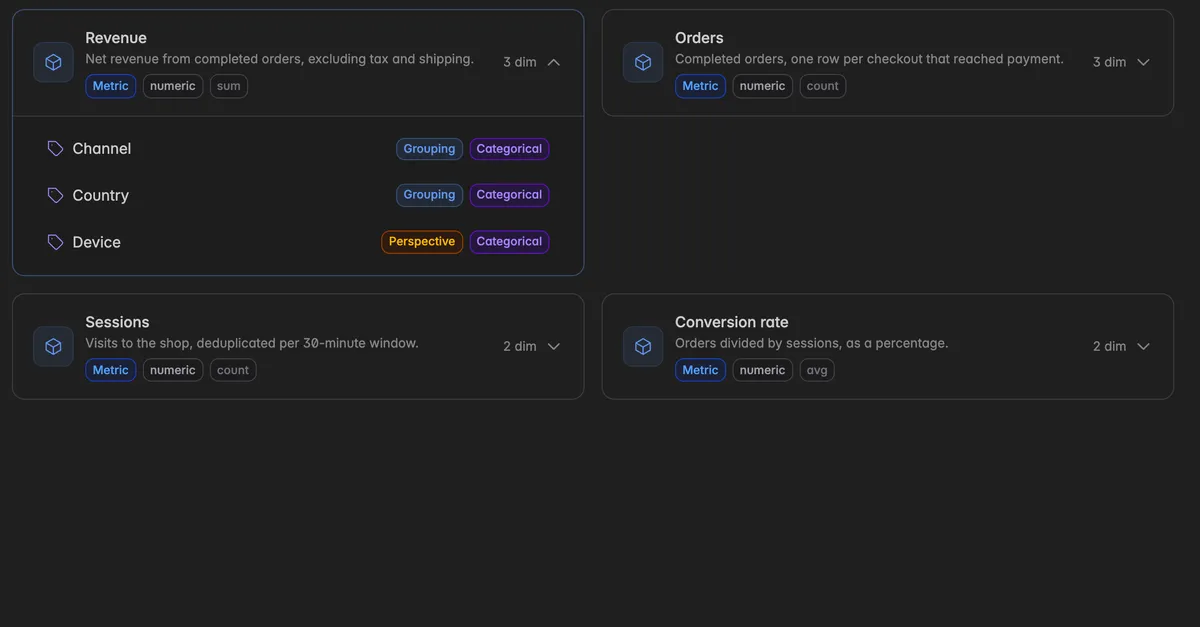
Use Search KPIs and dimensions… to find one by name.
See Metrics for what a KPI, a dimension, and a perspective are.
Marketplace or Connections?
Marketplace: The catalog. Every integration Indicate offers, whether you use it or not. You come here to connect something new or to read what an integration delivers.Connections: Your live connections, with their sync status and activity. You come here to check whether data is flowing, to pause a sync, or to delete a connection. See Connections.
You can connect the same integration more than once, for example one connection per property or per ad account. Each one counts as a connection in your plan.
Troubleshooting
The system I need is not in the catalog
Click Tell us which ones you need at the bottom of the Marketplace. It opens an email to us with your request. We add integrations regularly and are glad to have you as a pilot for a new one.
Until then, bring the data in by file. See Import.
The Connect button is greyed out
Connecting needs the Admin role. Hover over the button: Not enough rights to do this means you have to ask a space admin.
This integration is retired and takes no new connections means the integration is being phased out. Existing connections keep running until their retirement date.
The integration carries a Pro badge
It is part of the Pro plan. Open
Settings→Planto upgrade, then connect it.