
Connect AI assistants to your data
The three ways to bring AI to your data: Resi inside Indicate, Apps for Claude AI and ChatGPT, agent tokens for Claude Desktop, Claude Code, VS Code, Langdock, and n8n.
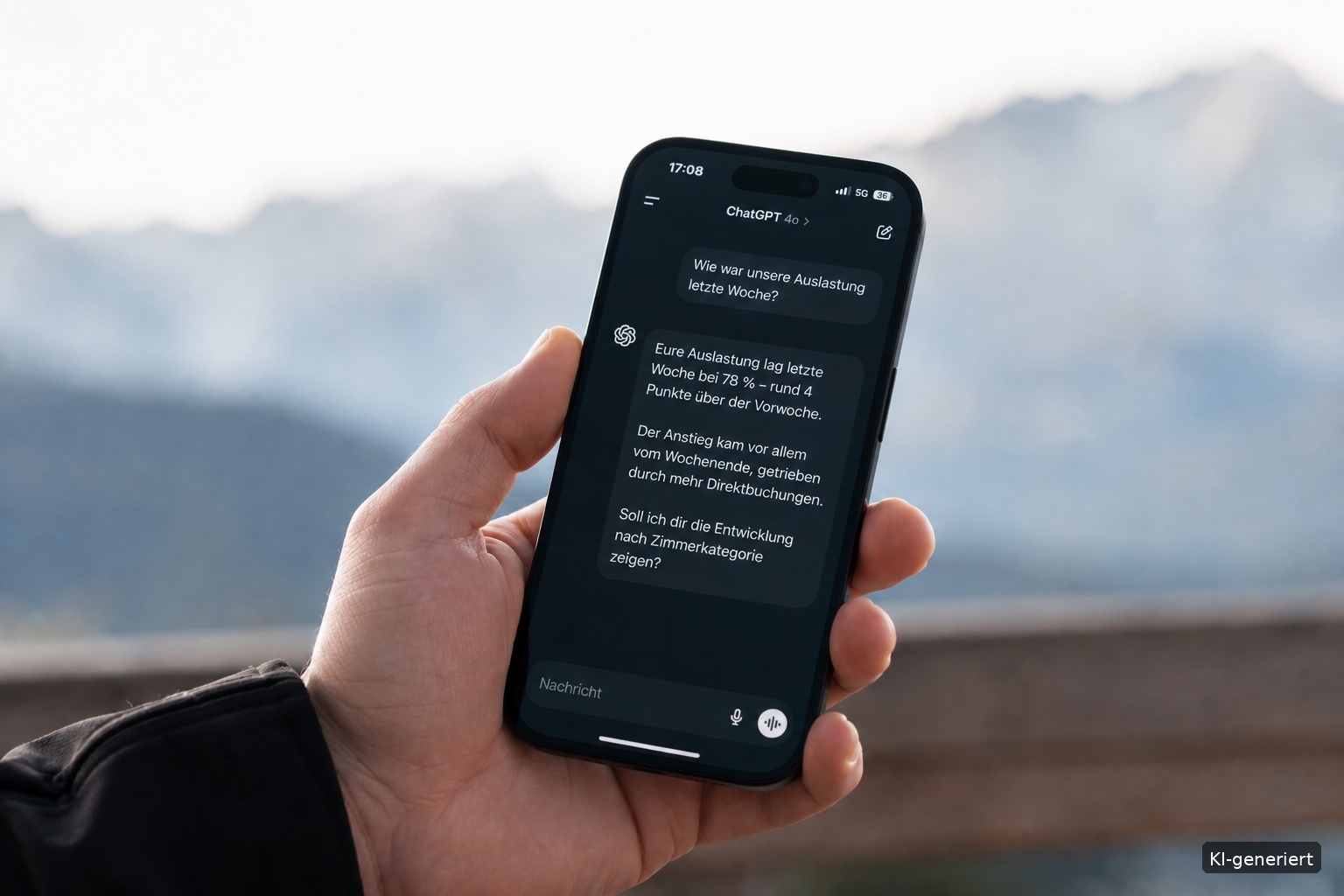
What does Indicate do for AI?
Indicate holds your data in one place, in one governed set of metrics, the Insights. That is exactly what an AI assistant needs to answer questions about your business instead of guessing. Ask "How was our occupancy last week?" or "Which channel brought the most revenue in July?" and the assistant reads the answer from your Insights, with the current numbers, without an export or a spreadsheet.
There are three ways to bring AI to your data. Pick by where you want to chat.
| I want to chat in… | Use | Where |
|---|---|---|
| Indicate itself | Resi, your AI agent | The chat icon in the left rail |
| Claude AI or ChatGPT, with every colleague signing in on their own | An App | Settings → Apps |
| Claude Desktop, Claude Code, VS Code, Langdock, n8n, or any other MCP client | An agent token | Settings → Tokens |
What does the AI see?
Insights only. Every route reads the Insights of the space, the same metrics your widgets use. The raw tables in the warehouse are not exposed to external assistants.
Read only. An assistant queries your data. It changes nothing in Indicate.
The permissions of the account it runs as. An app user sees what their own Indicate account may see. A token sees what the account it is assigned to may see.
One space or all of them. Apps and tokens have a Space access: Single space or Multi-space, chosen when you create them.
For Resi, an admin can additionally allow warehouse access so she can query the tables behind the metrics. See AI agents.
Resi: chat inside Indicate
Click the chat icon in the left rail. Resi answers in plain words, with the numbers and charts behind the answer, built from your connected Insights. Pick the sources a question is about, or chat about one dashboard.
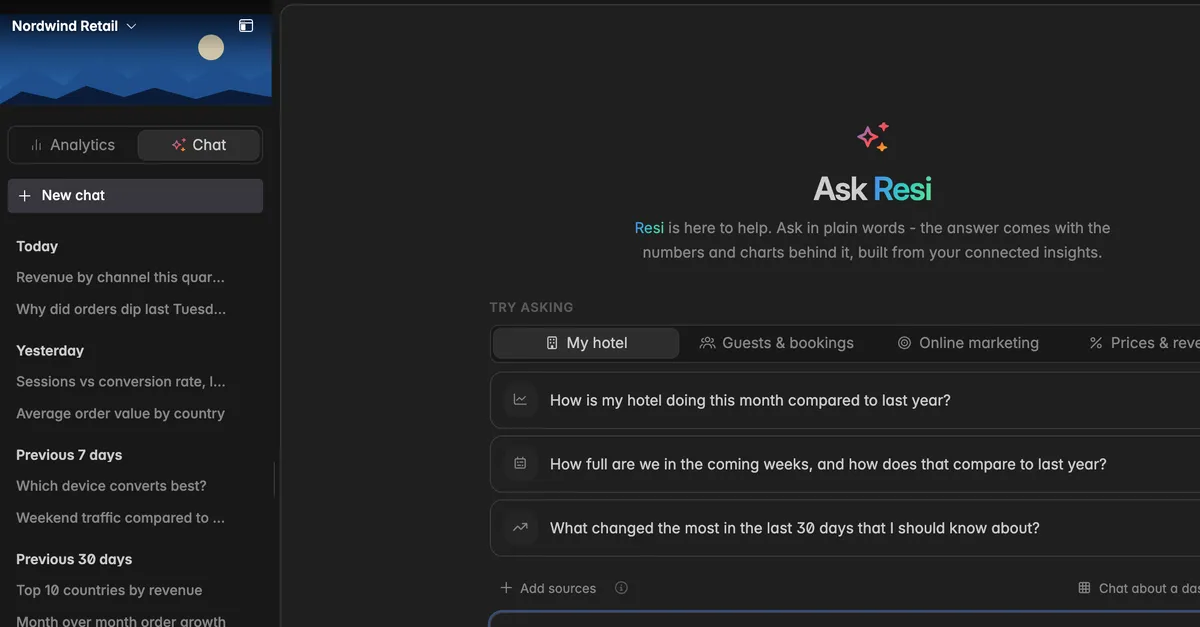
Resi runs on the AI budget of the space, see AI usage. Nothing to connect. She is available from the User role up, Readers and Guests cannot chat with her. See Ask Resi for the chat.
Apps: Claude AI and ChatGPT for the whole team
An app is an OAuth2 client. You create it once, hand your team the MCP Server URL, and every user signs in with their own Indicate account. Each connecting user is billed as a seat.
Presets for Claude AI and ChatGPT set the connection up for you.
Custom apps for other OAuth2 connectors.
See Apps for the settings page, and Connect ChatGPT to Indicate and Connect Claude to Indicate for the step-by-step.
Agent tokens: one credential for one client
An agent token is a key you paste into an MCP client. It is assigned to one account, a member or a service account, and inherits that account's permissions. Each token is billed as a seat.
Claude Desktop and Claude Code: the Tokens page shows the configuration to paste.
VS Code: install the Indicate extension from the marketplace and paste the token.
Langdock, n8n, and other MCP clients: add a remote MCP server with the URL and the token as API key.
See Tokens for creating and revoking tokens, and Connect Langdock to Indicate for a full walkthrough.
The MCP Server URL
Every external route talks to the same address:
https://industry.indicate-data.io/mcpYou find it with a Copy button on Settings → Apps under MCP Server URL, and in every configuration on Settings → Tokens. Connectors that sign in with OAuth also need the Authorization endpoint, the Token endpoint, and the Scope mcp, listed under OAuth 2.0 on the same page.
Troubleshooting
Which route should I pick?
- Several people, each with their own login, in Claude AI or ChatGPT: an App. One tool, one credential, for example a script or a Langdock integration: an agent token. Just want to ask questions now: Resi.
The assistant sees no data
For a token: it is unassigned, or the assigned account has the Guest role. Assign a member or service account with Reader or higher. See Tokens.
For an app: the user signed in with an account that has no access to the space, or the app is Single space and they are asking about another space.
Can the assistant see raw tables or personal data?
- External assistants see Insights only. Personal fields are only part of an Insight when the connection was made with PII on, see Add a data source. Resi can query the warehouse only if an admin switched warehouse access on.
Does this cost extra?
- Apps are billed per connecting user, agent tokens per token. Resi runs on the space's AI budget. The prices are on the pricing page.
Can I connect several spaces?
- Yes. Create the app or token with Multi-space access, or one per space with Single space access.
Was this helpful?