
General
Upload a space logo, rename the space, and find the Space ID.
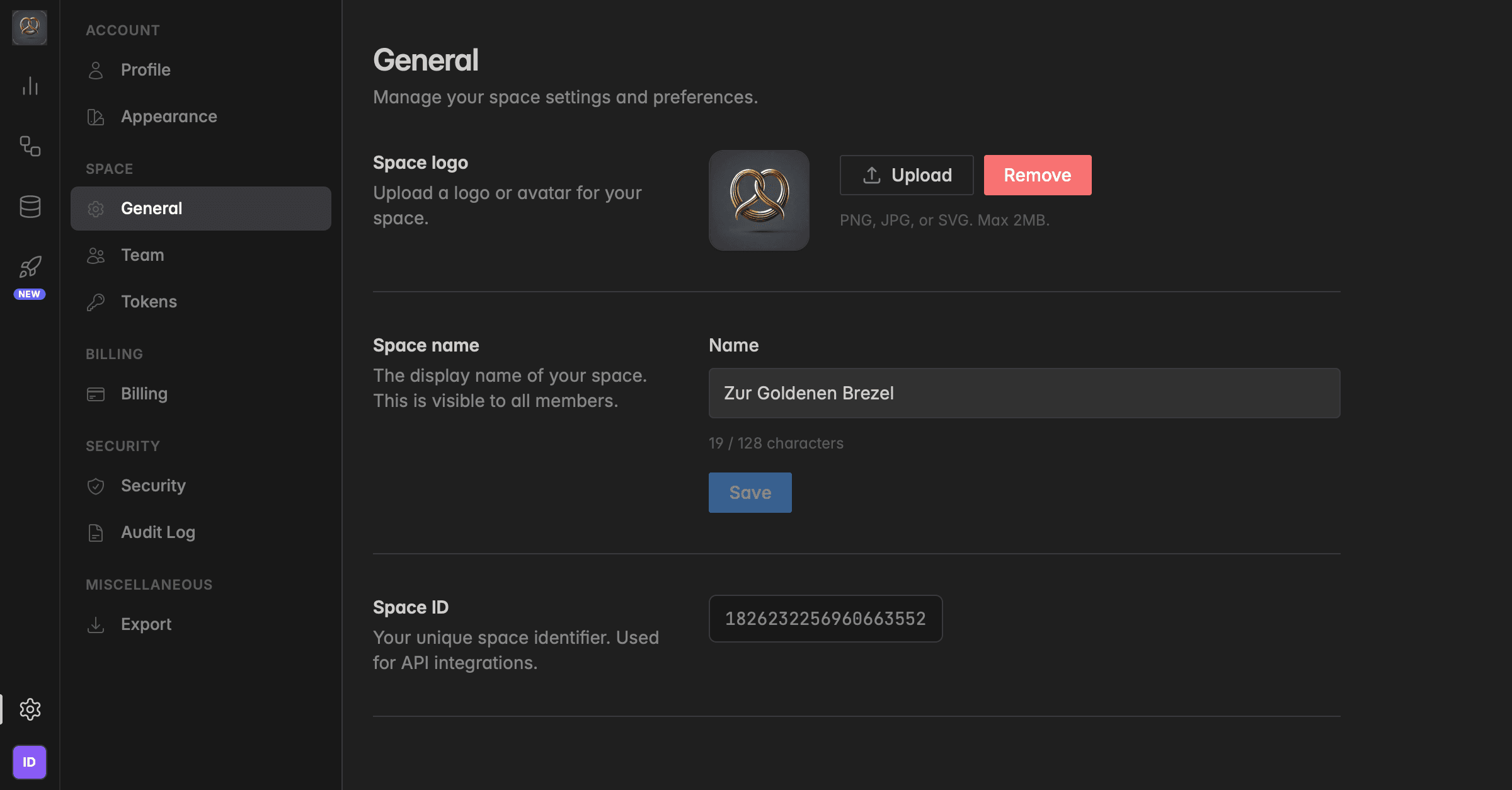
What is the General page?
The General page holds the identity of your space: its logo, its name, and its Space ID. Everyone in the space sees the logo and name, in the left rail, in invitations, and in shared Insights. Only admins can change them.
Where do I find it?
Click the gear icon at the bottom of the left rail to open Settings.
Under Space, click General.
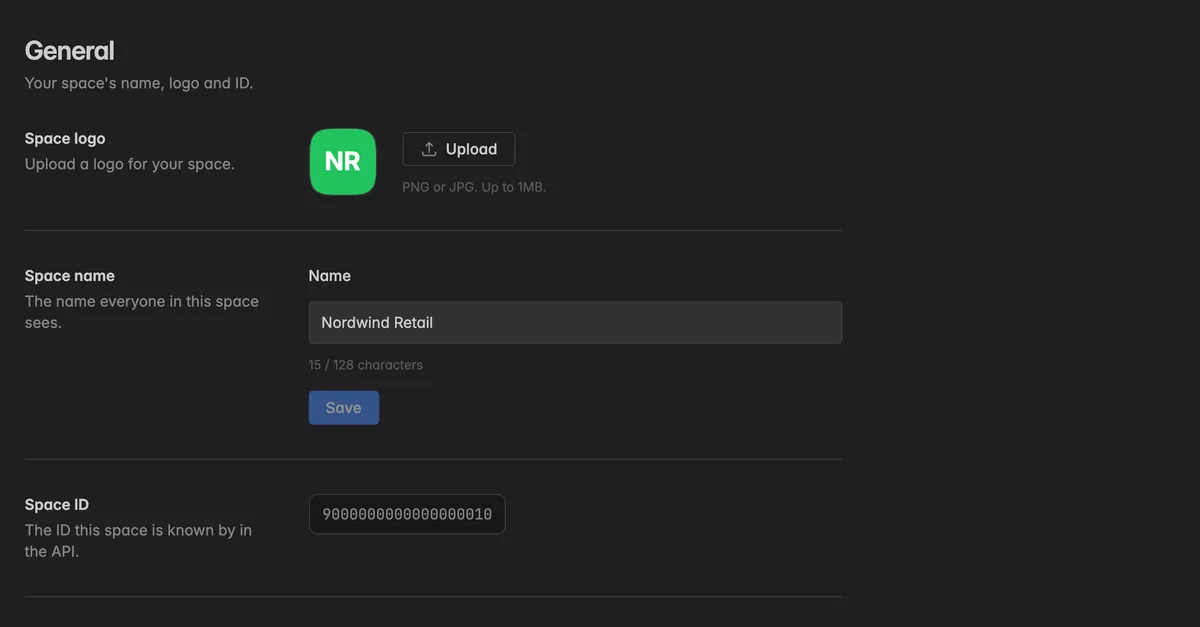
How do I upload a space logo?
The logo is the avatar shown next to your space name. It helps members who belong to several spaces to recognize the right one at a glance.
Next to Space logo, click Upload.
Pick a PNG or JPG file of up to 1 MB. Square images work best.
The logo is applied immediately. Click Remove to go back to the initials of the space name.
How do I rename the space?
Under Space name, edit the Name. Up to 128 characters, the counter below the field shows how many you have used.
Click Save.
The new name shows for every member right away. It is also the name other spaces see when you share an Insight with them.
Where do I find the Space ID?
The Space ID at the bottom of the page is the identifier your space is known by in the API. You need it when you connect an external system, build an integration, or reference your space in a support request.
It is read-only, it is assigned when the space is created and never changes.
It identifies the space but grants no access. Sharing it with a developer or with support is safe. Sharing a token is not.
Troubleshooting
Upload and Save are missing
- Changing the logo and the name needs the Admin role. Other roles can read the page. Ask a space admin, or check your role under
Settings→Team.
The logo upload fails
- The file is larger than 1 MB or not a PNG or JPG. The page says which.
Save is greyed out
- The name is empty, longer than 128 characters, or unchanged. A space needs a name.
Who can see that the name was changed?
- Every change to the space is recorded under
Settings→Audit login the area Spaces. See Audit log.
Was this helpful?