
Remove data from a connection
Delete every row a connection has written and let it reload from scratch, and how that differs from Fetch again and from deleting the connection.
What does removing the data of a connection do?
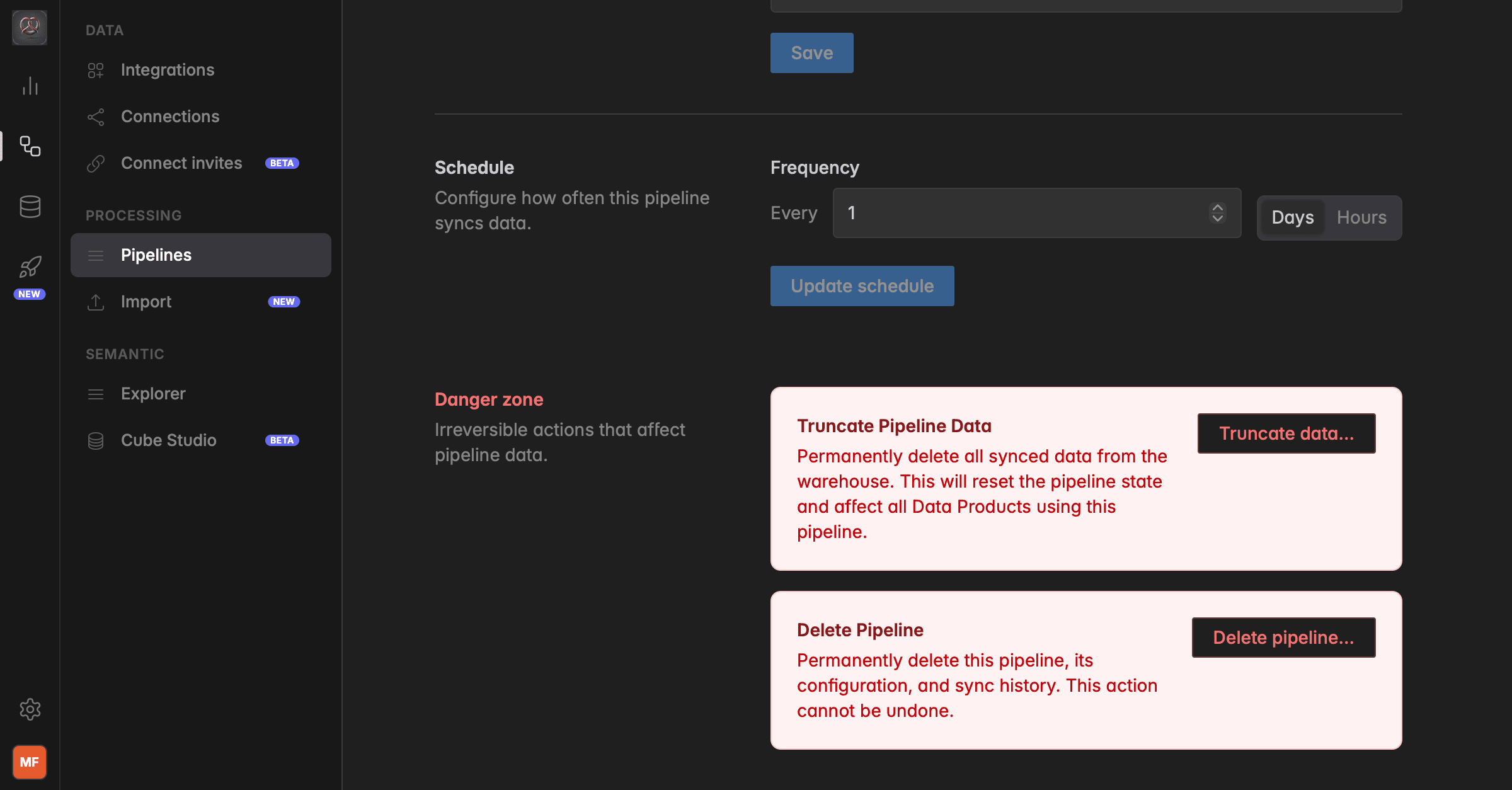
Every connection fills a set of tables in your warehouse. Remove data… deletes every row the connection has written and lets the connection start from scratch on its next run. The connection itself, its credentials, its schedule, and its Insights stay.
Use it when the synced data is wrong and you want a clean reload, for example after you fixed a setup problem in the source system, or after a sync that was stopped mid-way. It is the connection-level version of what earlier versions of Indicate called truncating a pipeline.
Fetch again, Remove data, or Delete connection?
Three actions on a connection sound alike and do very different things.
Fetch again: keeps everything. Only the saved position of one table, or of every table with Fetch everything again, is dropped, so the next run loads that table from the beginning and replaces what is there. Use it first, it is the gentlest option. See Sync and activity.
Remove data…: deletes every row the connection has written, right now. The connection stays and loads everything again on its next run. Every Insight built on the connection shows no data until that run is through.
Delete connection: removes the connection for good, and optionally its Insights and its data. See Delete a Source Connection.
What happens when I remove the data
The dialog lists it under Before you continue:
Every row this connection has written is permanently deleted.
The connection starts from scratch on its next run.
Every Insight built on this connection is affected. Widgets show no data until the reload has run.
The credentials, the schedule, the activity history, the Insights, and their shares are not touched.
How do I remove the data of a connection?
Before you start
You need the Admin role.
The rows are gone the moment you confirm. They come back only with the next sync, and only as far back as the source still delivers them. Sources with a limited lookback do not deliver old data again.
Click the database icon in the left rail to open Data sources, then click Connections.
Open the connection and click the Settings tab. Scroll to the Danger zone.
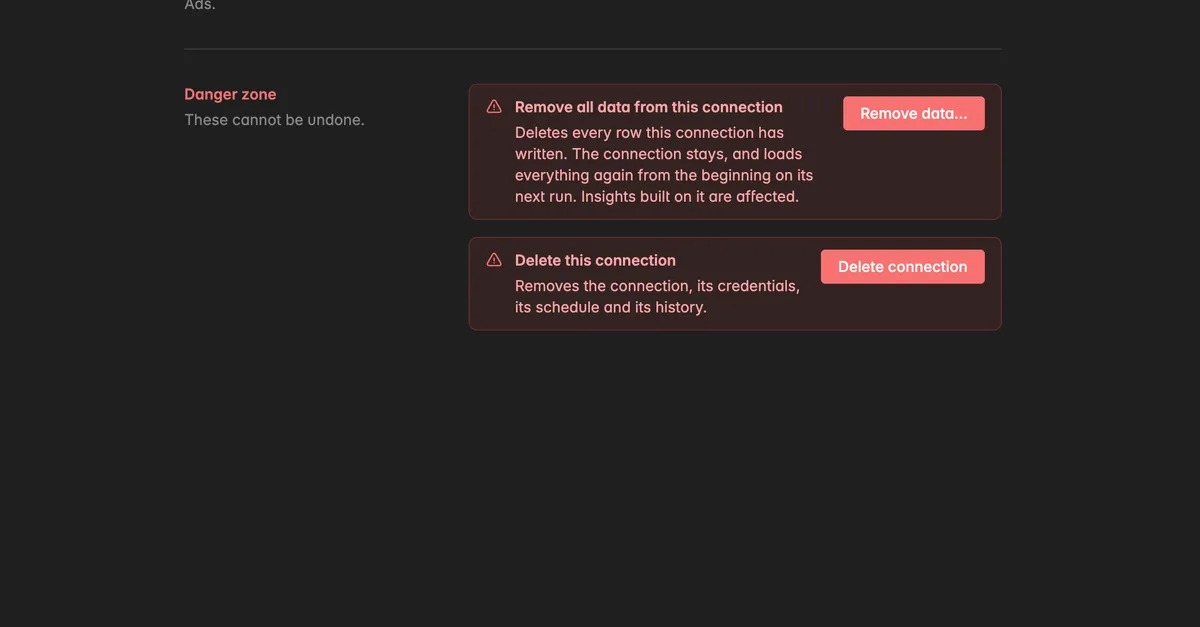
Click Remove data….
The dialog Remove all data from this connection opens and lists what happens. Read it.
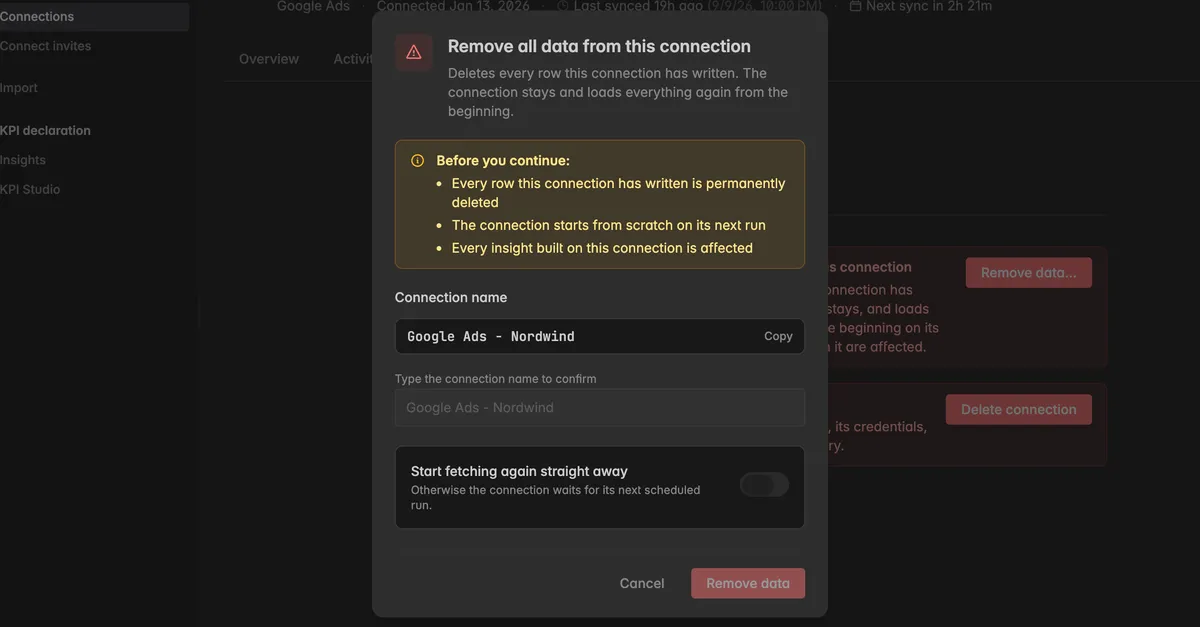
Next to Connection name, click Copy, then paste the name into Type the connection name to confirm.
Turn on Start fetching again straight away if the reload should begin now. Otherwise the connection waits for its next scheduled run. Starting straight away is part of the Pro plan.
Click Remove data.
A toast confirms Data removed, or Data removed. A fresh sync starts shortly if you turned the switch on. Watch the reload on the Activity tab.
Troubleshooting
Remove data is locked
- The buttons in the Danger zone need the Admin role. Hover over the button: Remove data - admin only. Ask a space admin.
Remove data stays greyed out
- The name in the field does not match. Click Copy next to Connection name and paste it.
My dashboards are empty after removing the data
- That is expected until the next run has loaded the tables again. Check the Activity tab for Succeeded rows. On the Pro plan, click Options → Sync now to start the run.
Old data did not come back
- Some sources only deliver a limited lookback, for example the last 90 days. Rows older than that are gone after a reload. If you only wanted to refresh recent data, use Fetch again on the affected table next time.
I wanted the connection gone too
- Removing data keeps the connection. See Delete a Source Connection.
I only want one table reloaded
- Use Fetch again on that table under Synced data on the Overview. It keeps the rows until the run replaces them. See Sync and activity.
Was this helpful?